
6 PLACES LEFTFROM 15 NOV

FREE LIVE LESSON29% OFF your first 3 paid months

AI + Roblox Studio · Ages 9–14

A future full of tech and AI.
Is your child ready?

Ember helps 9–14-year-olds use AI thoughtfully, build playable worlds in Roblox Studio, and create projects shaped around their own curiosity.

See the courses
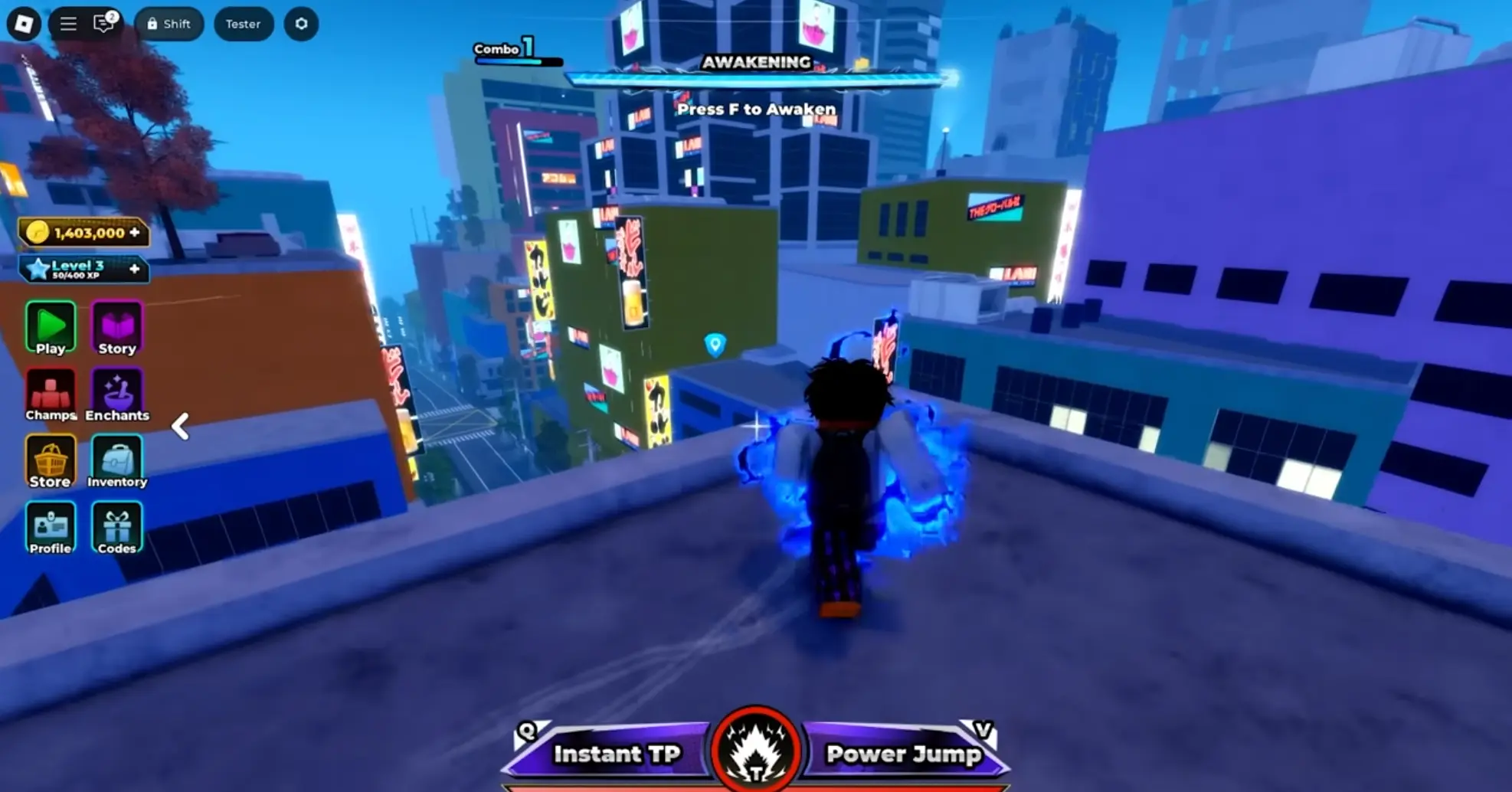
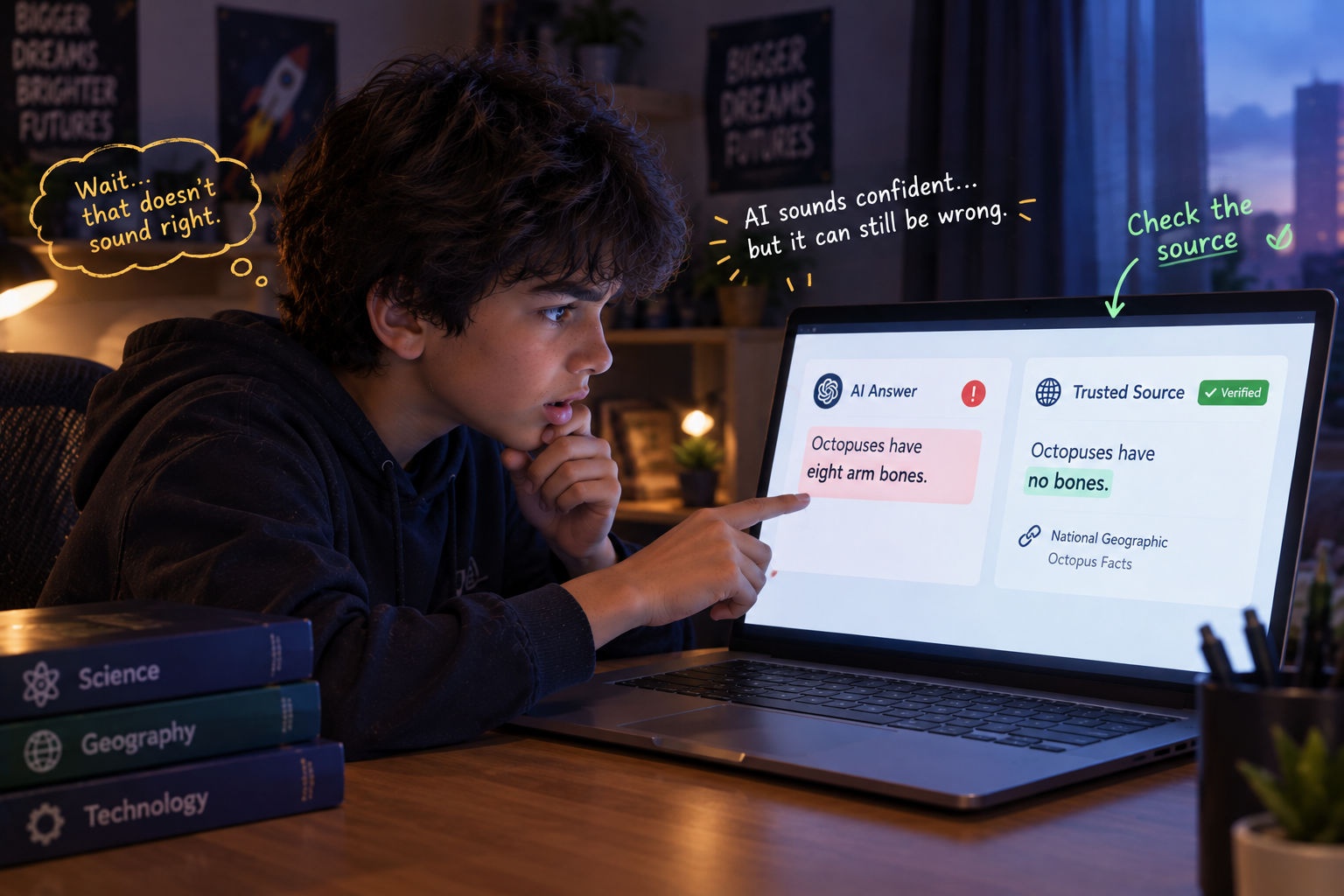
AI, used creatively
Worlds built in Roblox

Small live groups · Projects shaped around their interests

Illustrative stock footage; pictured people are not affiliated with Ember Academy.

Our courses

Big ideas, made real with AI and Roblox Studio.

Explore Ember's two featured pathways in full, then find more ways to build digital confidence below.

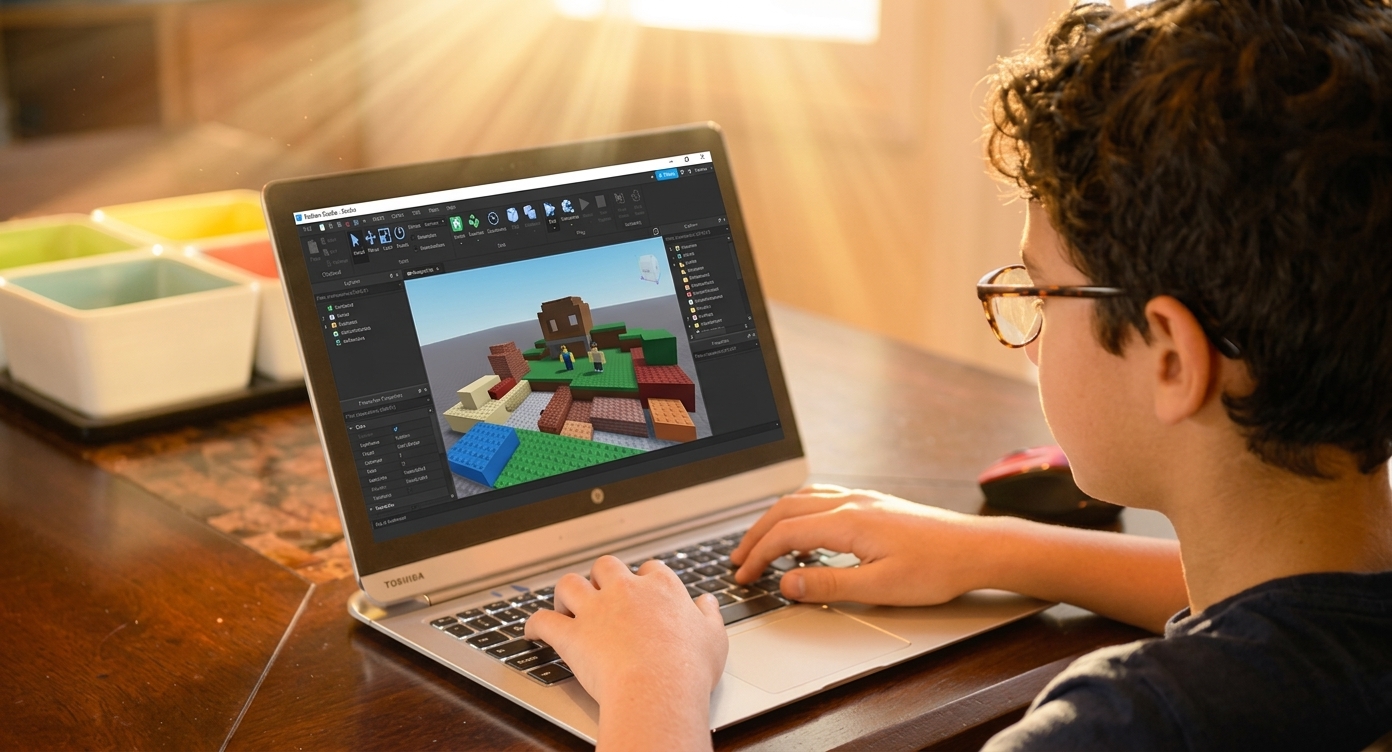
Child creating a block-based 3D game world on a laptop
Ages 9–14Computer onlyArabic / English

Design · build · playtest

Roblox Studio

Your child turns a game idea into a playable world, then gets to play what they made. A familiar, hands-on way to discover programming and game design.

Roblox gives children a familiar, playful reason to explore how games are designed and built, from the first idea to a world they can play themselves.

Why it matters

  • Many children already know and enjoy Roblox, so creating in a familiar world can make learning feel immediately relevant.
  • Playing a game they made themselves gives children a tangible goal and a strong reason to keep learning.
  • A playful, motivating introduction to both programming and game design.

What they'll explore

  • Programming ideas through interactive game features.
  • Game design: shaping a playable world, rules, and player experience.
  • Creating 3D objects, then playtesting and improving their own game.

Getting ready: Roblox Studio requires a compatible computer. Previous game-development experience is not needed; Ember will confirm with you that your child is comfortable using a computer for guided creative activities.

Optional interactive preview

Try a simplified car-game builder

Open a small browser demo to explore a game-building workspace and drive a simple car game. It loads only when you choose to open it.

This is intentionally simple because it is a browser demo, not Roblox Studio or the full course experience. It does not reflect the actual software’s quality or capabilities. In the course, children learn to use Roblox Studio and build much more comprehensive projects with mentor guidance.

Child exploring a glowing AI visualization on a tablet
Ages 9–14Mobile / ComputerArabic / English

Think · create · check

AI Utilization

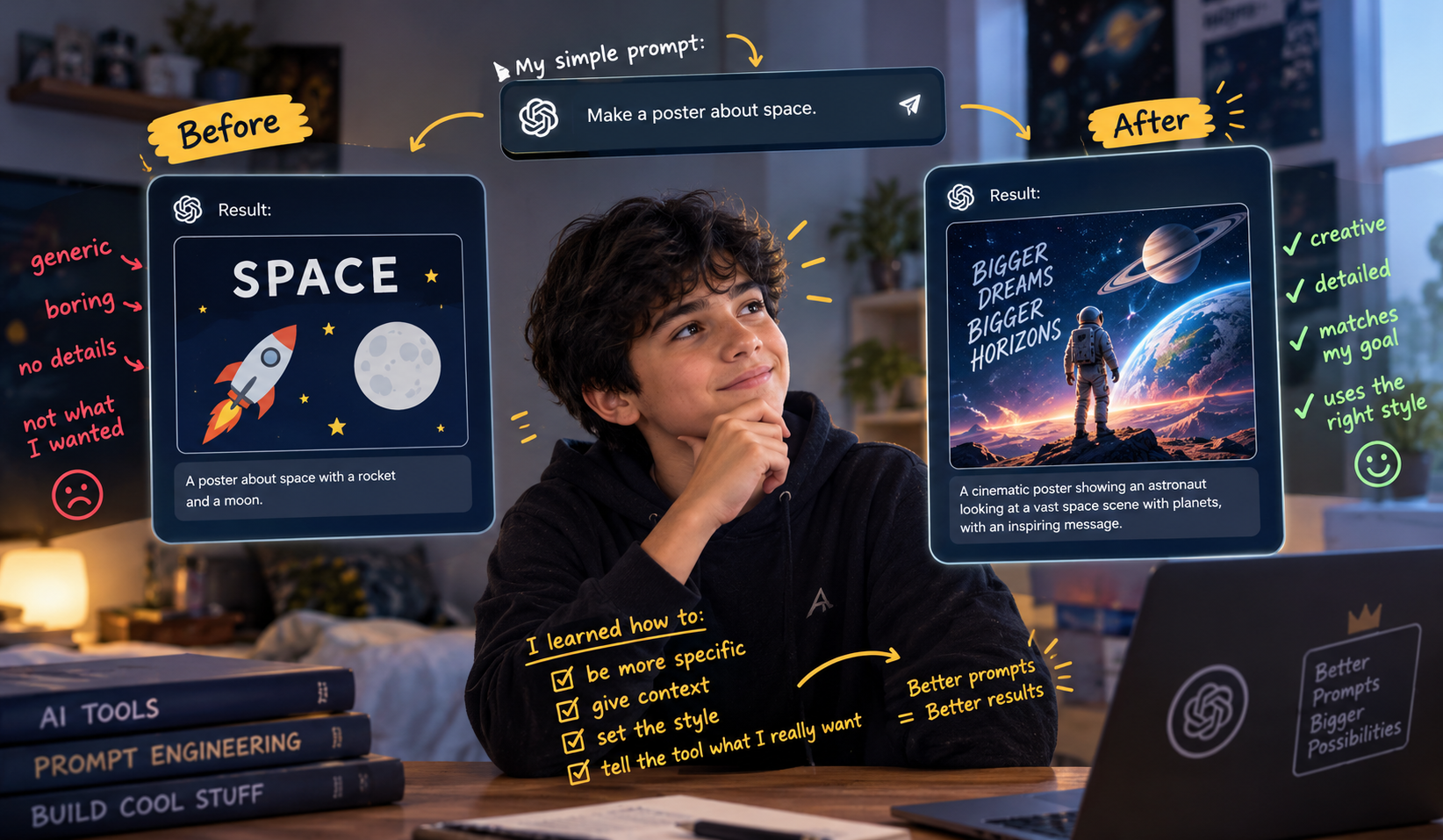
Help your child turn ideas into useful prompts, explore possibilities with AI, and learn to question and verify what it tells them.

A practical, beginner-friendly introduction to using AI as a tool while keeping the child's own thinking and creativity at the center.

Why it matters

  • A welcoming first step into the fast-changing world of AI.
  • Shows children how to use AI as a helper without replacing their own ideas, judgement, and creative input.
  • Builds a foundation for Ember's advanced AI course.

What they'll explore

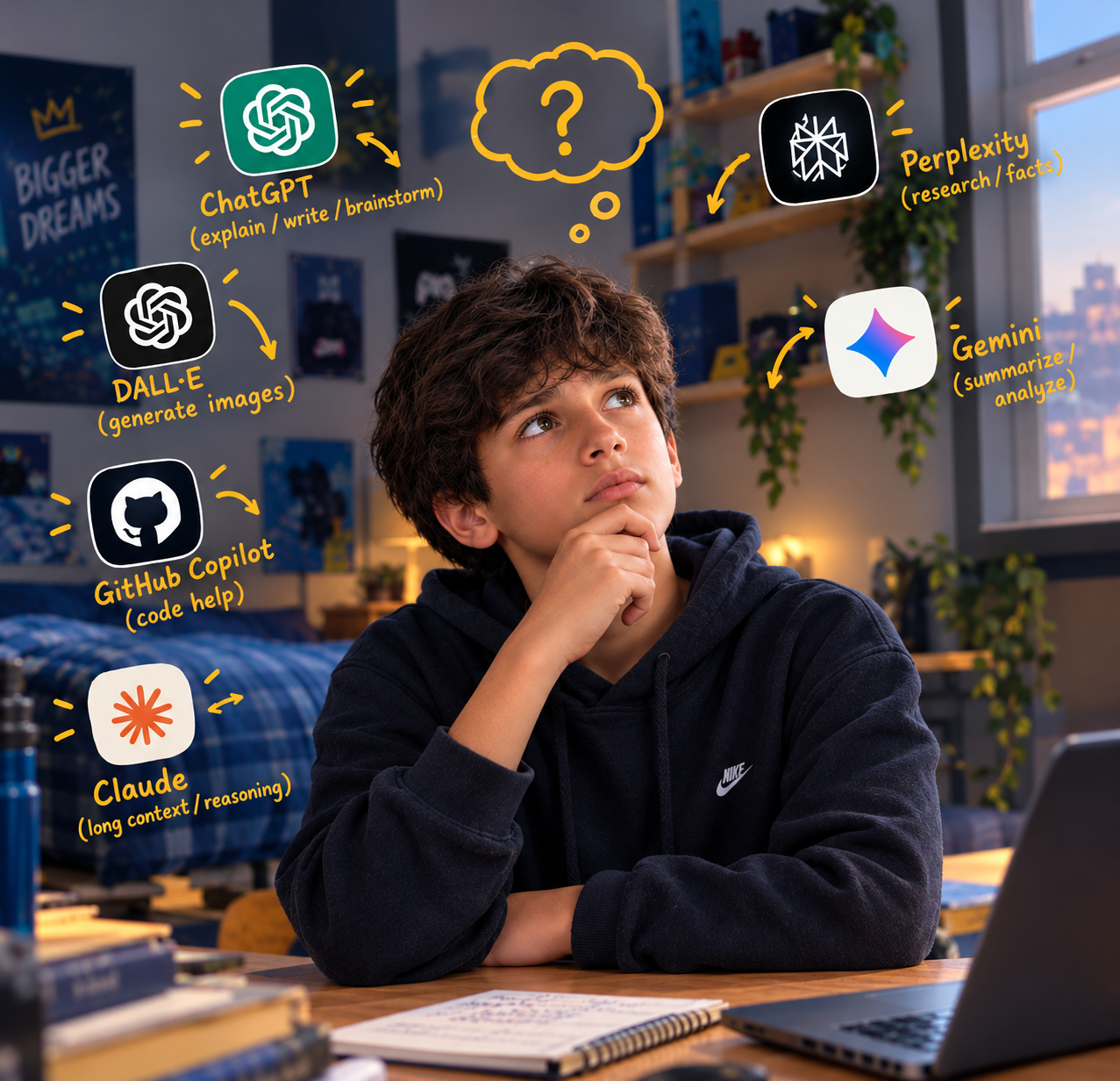
  • Different kinds of AI tools and what each can help with.
  • How to give AI clear instructions, review its responses, and improve the result.
  • A project combining outputs from different AI tools, guided by the child's own decisions.

Optional interactive preview

Meet Lightor

Take a short, hands-on tour through choosing the right tool, improving a prompt, and checking AI’s work. The demo loads only when you choose to play.

This is intentionally simple because it is a browser demo, not the full course. It uses prepared examples, not live AI. In the course, children learn to use a broader range of tools and create much more comprehensive projects with mentor guidance.
Getting ready: no previous AI experience or course is needed. Ember will confirm with you that your child is comfortable following a guided digital activity. Most sessions can work without a computer or laptop; we'll agree on the activity setup with you in advance.

Course images are illustrative; the children shown are not Ember students.

Always free · no promotion needed

Want to find the right course for your child?

In a free discovery lesson, we get to know what your child enjoys, let them explore a few activities, and help your family choose a thoughtful next step.

Available year-round, whether or not an offer is running.

Also available

More ways to explore technology

Each course is visible below. Open one to read the details and what your child needs to get started.

Student exploring AI concepts and data visualizations on a laptop
Ages 9–14Mobile / ComputerArabic / English

After AI Utilization

AI Mastery

Discover how data and examples help AI find patterns. AI Utilization must be completed first.

View course details

For children ready to go deeper, this course introduces data, classification, examples, and how to evaluate a model instead of treating it as magic.

Why it matters

  • Helps children understand the ideas behind AI instead of treating it as a mystery.
  • Builds on AI Utilization and develops more critical, informed use of AI.

What they'll explore

  • Data, examples, and classification.
  • How AI systems identify patterns and how to evaluate their results.

Before joining: AI Utilization must be completed first. Ember will also check in with you about your child's readiness, including comfort with basic computer tasks and interest in patterns or logic. Device needs are confirmed before enrollment.

Ask about AI Mastery
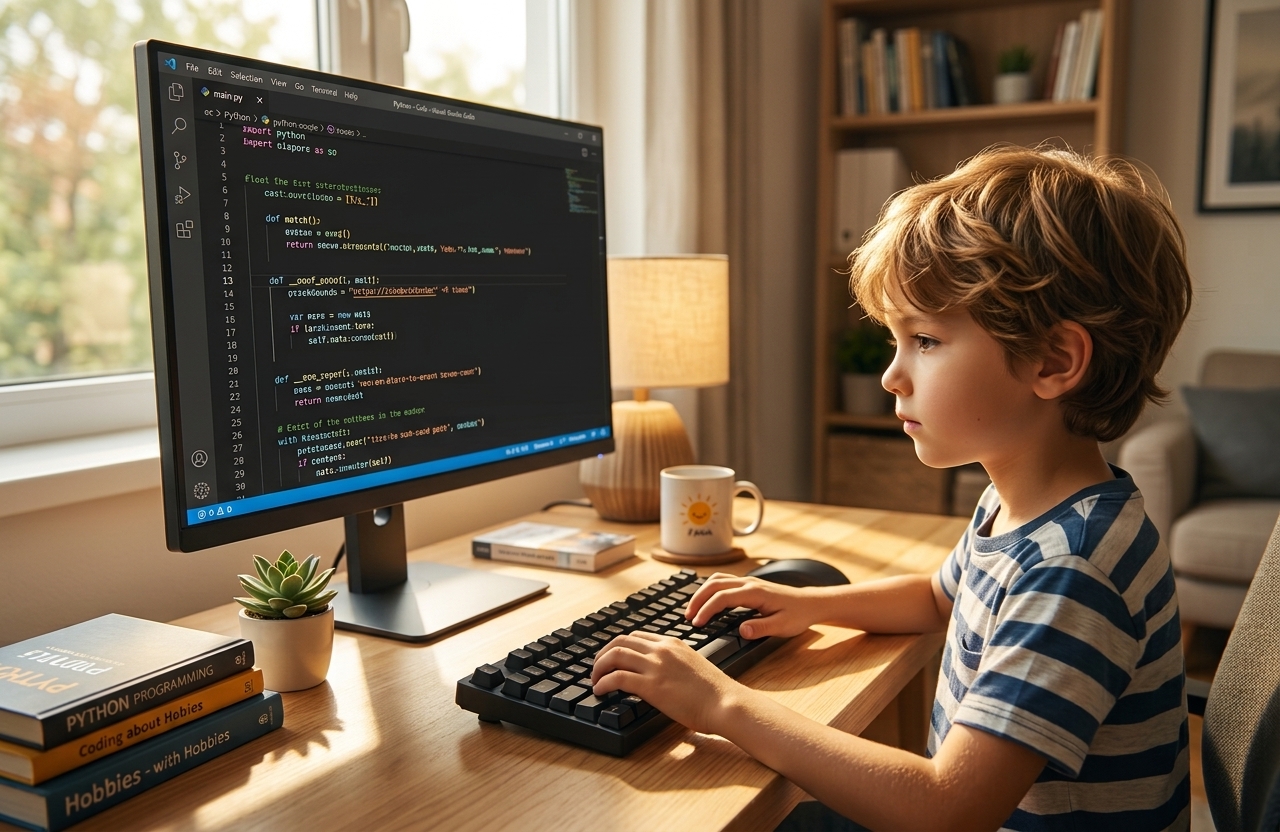
Child learning Python with code displayed on a computer monitor
Ages 9–14Mobile / ComputerArabic / English

Make ideas work

Python Programming

Turn a small idea into a working program, one step at a time.

View course details

Children build a foundation in programming and computer science through small, understandable steps: data, decisions, repetition, and structure.

Why it matters

  • Develops logical thinking and a useful foundation for many areas of technology.
  • Lets children turn their own ideas into instructions a computer can follow.

What they'll explore

  • Core building blocks such as variables, decisions, and loops.
  • Writing, testing, and improving small programs.

Getting ready: no previous course or coding experience is needed. Ember will check with you that a beginner coding activity is a good fit. Some projects need a computer; we'll confirm the setup with you before enrollment.

Ask about Python

A learning journey built around your child

Why Ember for your child?

We cater specifically to every use case.

Unlike a one-size-fits-all lesson, Ember cares whether your child understands the material and enjoys learning, not simply whether a lesson took place. If they need a different approach or more time, we provide extra lessons at no charge, so they can learn comfortably at their own pace.

Good learning is more than a finished lesson. Explore how Ember supports your child before, during, and after every class.

Open a stage to see the thoughtful details behind it

01Before classWe find the right starting point for your child, not just the next course on a list.Explore how Ember prepares
  • The right foundations, in the right order. Ember checks your child's readiness and can begin with digital basics before moving into advanced AI or coding.
  • A pace that feels comfortable. We learn what your child already knows and where they may need more time. Necessary extra lessons are free.
  • A setup that works for your family. Most courses work on a phone, tablet, or computer; if a course needs a computer, we'll tell you clearly beforehand.
  • Arabic or English. Tell us your family's preferred language and Ember will help find a suitable class.
02During classYour child gets to understand, enjoy, and make something that feels like their own.Explore the Ember class
  • Real understanding comes first. A lesson is successful when your child can reason about what they learned, enjoys the class, and looks forward to the next one.
  • Projects shaped around their interests. Ember adapts examples and activities to what your child is curious about, keeping learning personal and engaging.
  • Small groups, individual attention. Children get the social spark of learning together without disappearing into a crowd.
  • Teachers who know their field. Ember teachers are trained in what they teach and bring relevant subject experience; many hold related degrees.
03After classThe support continues, so your child can keep their confidence and momentum.Explore what happens next
  • Follow-through between lessons. Ember checks in on progress and helps your child feel ready for what comes next.
  • Free help when a topic needs another go. If your child is falling behind, we offer extra support lessons so they can catch up with confidence.
  • Parent feedback that leads to action. We listen to your observations and use them to adapt how we teach and support your child.
  • Relevant skills that keep moving forward. Ember reviews and updates course material monthly to keep projects connected to today's technology and AI.

A thoughtful first step

Let's find the right starting point for your child.

Tell Ember what your child enjoys and where they'd like to grow.

Always free · no promotion needed

Your child's discovery lesson, step by step.

A relaxed first session to help your child feel comfortable, explore what they enjoy, and help you decide what to do next, without pressure to choose a course first.

01

Get to know your child

We ask what they enjoy, what sparks their curiosity, and how they like to learn. The goal is to build trust and help them feel at ease.

02

Try hands-on activities

Your child explores a few playful, guided tasks. We learn about their current experience while they discover what feels interesting to them.

03

Make a thoughtful plan together

We share honest feedback on your child's readiness, possible starting points, and what to focus on next. Parents can ask questions and tell us how the experience felt for their child.

You choose the timingWe look for lesson times that fit your family's and child's availability.
English or ArabicChoose your preferred lesson language; we'll confirm teacher availability.
Preferences can changeAsk to adjust your timing or language later; changes depend on teacher availability.
Live & supportiveA teacher guides your child and makes space for questions.
Small groupsGroup classes have up to four students.
Comfortable setupMost courses work without a computer or laptop.

A good first step, with no pressure

Let's find what sparks your child's curiosity.

What Ember stands for

Curiosity, turned into capability.

Not just screen time. Ember helps children make, question, and understand the technology shaping their world, with learning built around the child, not a one-size-fits-all script.

Understanding comes first

A lesson counts when a child can reason about what they learned, enjoys the experience, and feels excited to return.

Learning made personal

Ember shapes projects around each child's interests and pace. If they need more time, extra lessons are free.

Creators, not passengers

Children use AI with their own judgment and imagination, then turn ideas into things they can share, play, and improve.

Ready for what's next

Ember teaches relevant, evolving technology and refreshes course material monthly to keep learning connected to the real world.

A free first step

Tell us what would help your child get started.

Tell us what your child enjoys, what they already feel comfortable doing with technology, and what works for your family. We'll use it to guide a free discovery lesson and suggest a suitable next step, with no pressure to choose a course.

1

Tell us about your child. Share their interests, experience, and what they can use to learn.

2

Choose what suits your family. Let us know your preferred language and convenient lesson times.

3

We’ll help you decide. Use the free discovery lesson to explore a comfortable starting point together.

A free discovery lesson

Let’s find a good fit for your child.

Share a few details about your child and what you’re looking for. We’ll use them to guide a relaxed discovery conversation, not to pressure you into a course.

Required fields are marked *.

What is your child curious about? Select all that apply. *
Which devices can your child use for lessons? Select all that apply.
When are lessons usually convenient? Select all that apply.

We’ll try to match your availability. Options depend on teacher availability.

Sending an enquiry does not confirm a booking or enrollment.

Frequently asked questions

The useful details, clearly.

Clear answers about how Ember teaches, supports progress, and helps each child find the right starting point.

Why does Ember focus on ages 9–14?

Children in this age range benefit from learning experiences designed around their stage of development, not a generic lesson for every age. A focused age range helps Ember choose age-appropriate examples, pacing, and guidance. Age is only a starting point: we also consider each child's interests, experience, and readiness.

What happens in the free discovery lesson?

We get to know what your child enjoys, try a few guided activities together, and share an honest recommendation for a comfortable next step. It is free year-round and does not require choosing a course or joining a promotion first.

What if my child needs more time to catch up?

If a child needs more time to understand a topic or keep pace with the group, Ember provides extra support lessons at no charge. We want them to feel confident with the material before moving ahead.

How does Ember choose the right course and starting point?

Ember considers what your child enjoys, what they already know, and what they are comfortable doing on their device. Some courses have prerequisites; for others, we confirm readiness with you first. The discovery lesson can help your family decide where to begin.

Does my child need previous experience?

It depends on the course. AI Utilization is designed as a beginner-friendly introduction; AI Mastery follows AI Utilization. Other courses list their prerequisites or the skills Ember will confirm with you before your child starts.

How many children are in a class?

Live group classes have up to four students, giving children the chance to learn alongside others while still receiving teacher attention.

Are projects the same for every child?

No. Ember adapts examples, tasks, and project ideas around each child's interests and learning pace. The goal is to help them engage with the core skills through something meaningful to them.

Which devices can my child use?

Most courses can be learned on a mobile device or computer. Roblox Studio requires a computer. Each course card shows its device guidance, and Ember can help confirm the setup before your child starts.

Can we choose lesson times and language?

You can share the times that work for your family and choose English or Arabic. Preferences can be changed later, subject to teacher availability.

How does the monthly subscription work?

The regular monthly subscription includes four live lessons and costs AED 253 ($69) per month. Promotional pricing, when available, is separate and has its own terms.

How can I ask Ember a question?

Email us at hello@joinember.today and we'll be happy to help.

The next step is simple

Start with a free discovery lesson.

Tell us what your child enjoys, let them explore a few guided activities, and get a thoughtful recommendation for what could come next.

Always free, with no course choice or promotion required.